
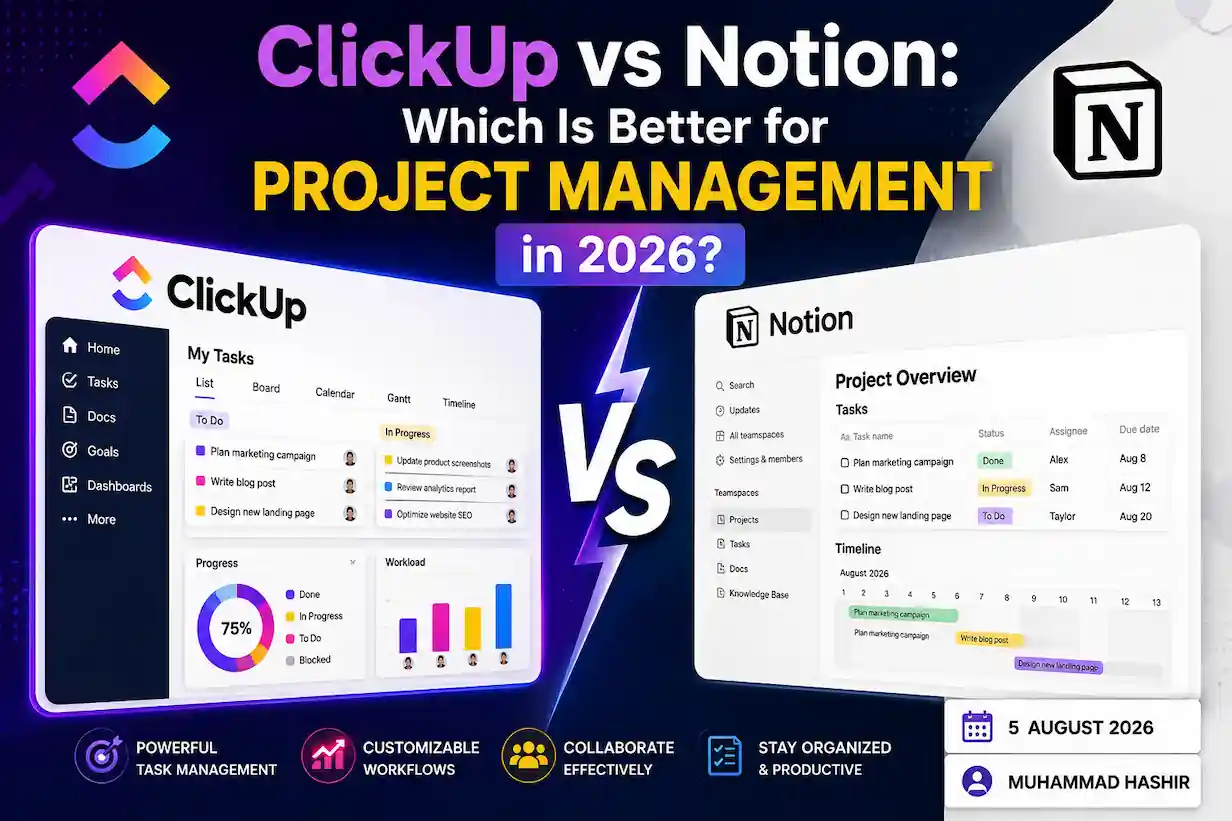
Written by Muhammad Hashir · Published August 5, 2026
Every team that outgrows a shared spreadsheet eventually lands on the same two names. ClickUp and Notion both promise to be the one tool that replaces everything else, and both are good enough at enough things that the decision genuinely comes down to how your team actually works, not which one has the longer feature list. This comparison breaks down pricing, real project management capability, AI features, and day-to-day usability, so you can answer the ClickUp vs Notion question for your specific team instead of a generic one.
Quick Verdict: ClickUp vs Notion in One Paragraph
If your work is built around deadlines, sprints, dependencies, and dashboards you need to glance at daily, ClickUp is the stronger project management tool — it was built task-first, and it shows in how naturally it handles Gantt views, workload balancing, and time tracking. If your work is document-heavy — strategy docs, wikis, research, content planning — and tasks are just one piece of a bigger knowledge base, Notion fits better, because it was built as a flexible workspace first and a task manager second. Teams that need both often end up running ClickUp for execution and Notion for documentation side by side, which is a completely normal setup, not a failure to pick one.
ClickUp vs Notion at a Glance
| ClickUp | Notion | |
|---|---|---|
| Built for | Task and project management first | Docs, wikis, and databases first |
| Free plan | Unlimited users, 5 Spaces, 100MB storage | Unlimited pages/blocks, 10 guest limit |
| Entry paid tier | Roughly $7/user/month (annual billing) | Roughly $10/user/month (annual billing) |
| Gantt charts, workload view | Native, built-in | Requires manual database setup |
| Native automations | Yes, extensive | Limited; relies more on integrations |
| Offline editing | View-only for cached content | Full editing offline, syncs on reconnect |
| Best for | Agencies, delivery teams, sprint-based work | Knowledge bases, solo work, documentation-heavy teams |
Pricing figures above reflect publicly listed rates as of mid-2026 and are billed annually per user — always confirm current numbers directly on each provider’s pricing page before budgeting, since SaaS pricing shifts more often than review articles get updated.
Pricing: ClickUp vs Notion Compared
This is usually where the decision actually gets made, so it’s worth the detail.
Free Plans: What You Actually Get
ClickUp’s free plan is genuinely usable for small teams — unlimited users and unlimited tasks is a real advantage if you’re testing the tool with more than one or two people, though you’re capped at five Spaces and 100MB total storage, which becomes tight fast once a team starts attaching files regularly.
Notion’s free plan is built more for individual use. You get unlimited pages and blocks, which sounds generous, but the moment a workspace has more than one member, a 1,000-block limit kicks in — a restriction that catches teams off guard when they invite a second person and suddenly hit walls they didn’t expect from a “free” plan.
Paid Tiers and the Real Cost at Team Scale
At entry-level paid tiers, ClickUp runs roughly $7 per user per month against Notion’s roughly $10 per user per month, both billed annually. That gap compounds at scale: a 10-person team pays meaningfully less per year on ClickUp’s equivalent tier, and the difference widens further at each platform’s business/enterprise tier. For a growing team of 25+ seats over a few years, that gap can add up to enough to fund another hire’s software stack entirely.
Notion’s pricing model does have one advantage worth noting for very small teams: some of its plans price the workspace rather than strictly per active seat in certain configurations, which can occasionally make it more competitive for tiny teams than the headline per-user number suggests. Worth checking the current plan structure directly rather than assuming the per-seat math applies identically to your exact team size.
Features for Project Management: Where Each Tool Actually Wins
Task and Project Views
ClickUp ships with genuine project management depth out of the box — Gantt charts, workload views, calendar views, and sprint tracking are native, not something you build yourself. This matters for teams running client work or sprint-based delivery, where a weekly status review depends on glancing at a dashboard rather than digging through a wiki page.
Notion can replicate task boards and simple Kanban views through its database feature, and for straightforward task tracking this works fine. Where it falls short of ClickUp specifically is depth — dependencies, workload balancing across team members, and time tracking either don’t exist natively or require significant manual database setup to approximate what ClickUp gives you by default.
Automations and Integrations
ClickUp’s automation engine is one of its most consistently praised features across independent reviews — recurring task creation, status-change triggers, and cross-project automations are built in and don’t require a third-party tool to set up. Notion has expanded its native integrations and added proper API access along with Zapier and Make support, closing the gap meaningfully over the past couple of years, but for teams whose workflow depends heavily on automation as the backbone of how work moves, ClickUp still has the edge.
Docs and Wikis
This is Notion’s clear home turf. Real-time collaborative editing, deeply nested pages, and a wiki structure that scales from a single person’s notes to a company-wide knowledge base is what Notion was built around from day one. ClickUp has added a docs feature that’s genuinely improved and good enough for most teams, but reviewers who use both consistently note Notion’s documentation experience as the more polished, more natural-feeling one for pure writing and knowledge management.
AI Inside ClickUp vs Notion
Both platforms have leaned hard into AI over the past year, and the honest read is that AI alone shouldn’t decide this comparison anymore — both have shipped genuinely useful features, just built differently.
ClickUp Brain, offered as a paid add-on rather than bundled into every tier, can take direct action inside your workspace — scheduling tasks, summarizing threads, and triggering automations from a prompt rather than just generating text.
Notion’s AI has grown from a writing assistant into something closer to an active collaborator — automated meeting notes, AI-assisted database autofill, and an agent framework that can be assigned tasks and mentioned directly in a workspace, similar in spirit to how you’d loop in a team member. Notion AI remains particularly strong specifically for writing, summarizing, and reworking content, which tracks with the platform’s document-first identity.
If AI-driven writing and knowledge synthesis matters more to your workflow, Notion’s AI tooling edges ahead. If AI-driven task automation and action-taking matters more, ClickUp Brain is the closer fit — but expect to pay extra for either, since the deeper AI features on both platforms sit behind an add-on cost rather than the base plan in 2026.
Speed, Offline Access, and Mobile Experience
Performance has historically been a criticism of both tools, and while both have improved significantly through 2025 and into 2026, there’s still a meaningful difference in offline behavior specifically. Notion allows full page and database editing while offline, syncing automatically once you’re back online — a real advantage for anyone working from unreliable connections, whether that’s a flight, a job site, or just a spotty home connection. ClickUp’s offline support is currently limited to viewing cached content rather than full editing, which is worth knowing if your team regularly works disconnected.
On mobile, Notion’s app tends to feel lighter and better suited for quick editing on the go, while ClickUp’s mobile app packs in more task-management features but can feel heavier to navigate as a result — a fairly direct tradeoff between depth and lightness that mirrors the difference between the two platforms overall.
ClickUp vs Notion vs Monday: How a Third Option Changes the Picture
If you’re evaluating ClickUp and Notion, there’s a reasonable chance Monday.com is somewhere on your shortlist too, since it’s the other major name in this space. The short version: Monday leans toward visual, color-coded project tracking that non-technical teams tend to pick up faster than ClickUp’s denser interface, but it generally costs more per seat than ClickUp at comparable tiers and doesn’t attempt Notion’s documentation depth at all — it’s a narrower, more focused tool by design. If your team has already ruled out Notion because you need dedicated task tracking rather than a flexible workspace, the real remaining decision is ClickUp vs Monday specifically, which usually comes down to whether your team prefers ClickUp’s deeper feature set or Monday’s simpler, more visual interface.
Can Notion Replace ClickUp?
Directly: for pure documentation and knowledge management, yes, Notion can fully replace ClickUp’s docs feature and then some. For full project management — dependencies, workload views, time tracking, sprint planning — Notion can approximate parts of this through custom database setup, but it takes real manual effort to build what ClickUp gives you natively, and even then it typically lands short of ClickUp’s dedicated project management depth for anything beyond simple task tracking. Teams with straightforward task lists and a documentation-first culture can genuinely run on Notion alone. Teams managing complex, dependency-heavy delivery work usually find they’re rebuilding ClickUp’s native features from scratch inside Notion, at which point the “replace” question stops making sense.
Who Should Choose ClickUp
Choose ClickUp if you’re an agency or delivery team managing client projects with real deadlines, if dependencies and workload balancing are part of your weekly planning, or if automation is central to how work moves through your team rather than a nice-to-have.
Who Should Choose Notion
Choose Notion if your work is fundamentally document-led — strategy, research, content planning — and task tracking is one piece of a larger knowledge system rather than the main event, or if you’re a solo founder, freelancer, or small team that wants one flexible workspace without committing to a rigid project management structure yet.
Frequently Asked Questions
ClickUp vs Notion: which is better overall?
Neither is universally better — ClickUp is the stronger dedicated project management tool for task-heavy, deadline-driven work, while Notion is the stronger workspace for documentation and knowledge management. The right choice depends on whether tasks or documents are the center of your team’s daily work.
Is ClickUp cheaper than Notion?
Yes, at equivalent tiers ClickUp is generally the more affordable option per user, particularly at team scale where the per-seat pricing gap compounds. Always check current published pricing directly, since both platforms adjust tiers periodically.
Can Notion replace ClickUp for project management?
For simple task tracking, largely yes. For complex project management involving dependencies, time tracking, and workload views, Notion requires significant manual setup to approximate what ClickUp provides natively, and even then typically doesn’t fully match ClickUp’s dedicated PM depth.
How does ClickUp vs Notion compare to Monday.com?
Monday.com is a more visual, simpler project tracking tool that costs more per seat than ClickUp but doesn’t attempt Notion’s documentation depth. Teams choosing between all three usually narrow it down to ClickUp vs Monday once they’ve decided they need dedicated task management over a flexible workspace.
Does ClickUp or Notion have better AI features in 2026?
Both have meaningful AI now, built differently — Notion AI is stronger for writing and content synthesis, while ClickUp Brain focuses more on taking direct action inside tasks and workflows. Both sit behind a paid add-on in 2026 rather than being fully free.
Conclusion
The ClickUp vs Notion decision isn’t about which tool has more features — both have plenty. It comes down to whether your team’s center of gravity is tasks or documents. Pick ClickUp when execution, deadlines, and dependencies drive your day. Pick Notion when documentation and flexible knowledge management are what your team actually lives in. And if you genuinely need both at a serious level, running them side by side is a legitimate answer, not a compromise.